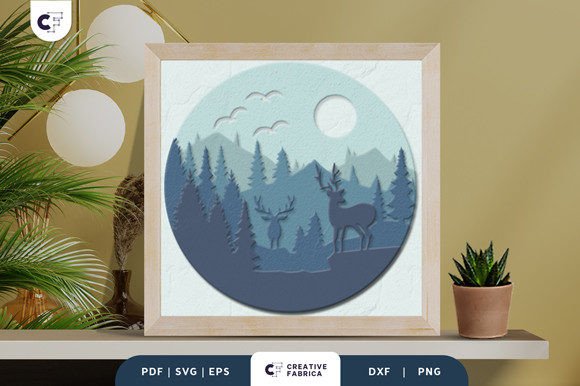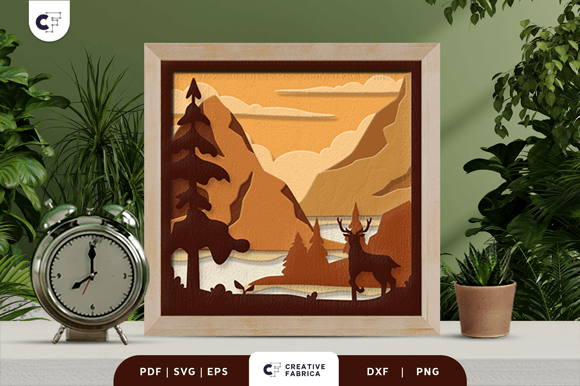
Wild Deer in the Forest 3D Shadow Box
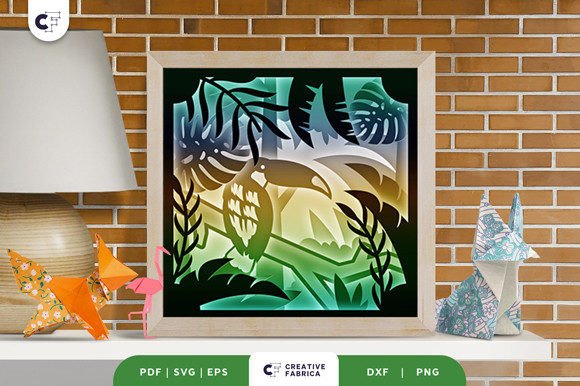
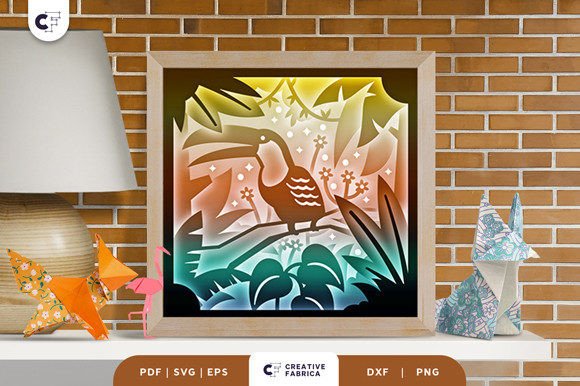
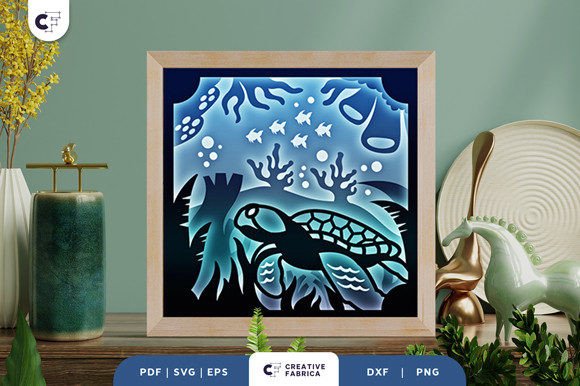
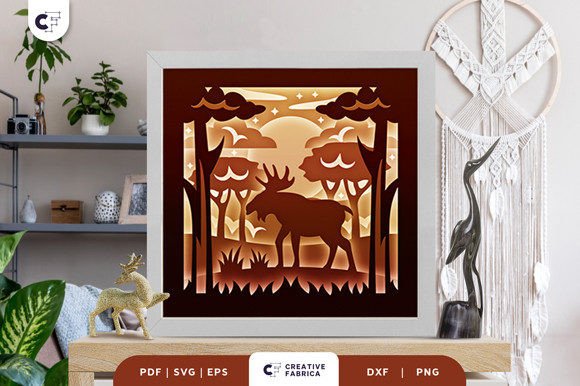
The Wild Deer in the Forest 3D Shadow Box is a stunning paper-cutting template that brings the beauty of nature into your creative projects. This layered design features a majestic wild deer set against a forest backdrop, offering a unique way to express your artistic vision. With 10 detailed layers, this template allows for intricate depth and dimension, making it ideal for both hobbyists and professional crafters.
Whether you're looking to create a decorative piece for your home or a thoughtful gift, this 3D shadow box offers endless possibilities. The design is available in multiple file formats, including SVG, PDF, EPS, PNG, and DXF, ensuring compatibility with a wide range of cutting machines such as Silhouette, Cricut, and more. If you don't have a machine, you can still enjoy the creative process by using an art knife or scissors to cut the pieces by hand.
What Makes This Design Unique
The Wild Deer in the Forest 3D Shadow Box stands out due to its detailed craftsmanship and versatility. Each layer is carefully designed to add depth and realism, allowing you to create a visually striking piece that captures the essence of a natural landscape. The dimensions of the design are 20.32×20.32 cm, providing a perfect size for framing or incorporating into other projects.
One of the key advantages of this template is its adaptability. You can resize the SVG file while maintaining the original aspect ratio, giving you flexibility in how you use the design. Additionally, the template is compatible with various materials, including cardstock, making it accessible for crafters of all skill levels.
How to Use the Template
To get started, you'll need to download the SVG file and load it onto your preferred cutting machine. If you're using a Silhouette or Cricut, the process is straightforward, and the design will cut cleanly with minimal effort. For those who prefer a hands-on approach, you can print the template and use a blade or scissors to cut each layer individually.
Once the pieces are cut, you'll need to assemble them using glue or double-sided tape. Layering each piece carefully will ensure the final product has the desired depth and visual impact. For an added touch, consider using LED strips behind the layers to create a glowing effect, turning your shadow box into a light box display.
Creative Applications and Ideas
This 3D shadow box is not just a single-use project; it's a versatile tool that can be adapted to different creative goals. Here are some ideas to inspire your next project:
- Framed Wall Art: Mount the completed shadow box in a frame to create a striking piece of wall art that adds a natural touch to any room.
- Gifts and Presents: Personalize the design with names, dates, or special messages to make it a meaningful gift for friends, family, or loved ones.
- Event Decorations: Use the shadow box as part of a themed event, such as a nature-inspired party or a rustic wedding decor.
- Marketing Materials: Incorporate the design into promotional items, such as business cards, brochures, or packaging, to showcase your brand's creativity.
- Classroom Projects: Teachers can use this template to engage students in hands-on learning activities that combine art, nature, and design.
Choosing the Right Materials
The quality of your final project depends largely on the materials you choose. The template recommends using Encore Cardstock 80 lb cover (216 gsm), which provides a sturdy and smooth surface for cutting and assembling. This cardstock is ideal for creating clean lines and sharp details, ensuring your shadow box looks professional and polished.
If you're looking for alternative materials, consider experimenting with different textures or colors to add a unique twist to your design. For example, using colored cardstock can enhance the visual appeal of the deer and forest elements, while metallic or patterned paper can add an extra layer of creativity.
Customization and Personalization
One of the greatest benefits of this template is the ability to customize and personalize it to suit your preferences. Whether you want to change the color scheme, add additional elements, or modify the layout, the design offers a flexible foundation for your creativity.
For instance, you could incorporate seasonal themes by changing the background to reflect different times of the year. A snowy forest during winter or a blooming meadow in spring can transform the design into a dynamic piece that changes with the seasons. You can also experiment with different styles, such as minimalist, traditional, or modern, to match your personal aesthetic.
Sharing and Inspiring Others
Once you've created your Wild Deer in the Forest 3D Shadow Box, consider sharing your work with others. Social media platforms like Instagram, Pinterest, and Facebook are great places to showcase your projects and connect with fellow crafters. You can also share your tips and techniques to help others achieve similar results.
Additionally, you might explore selling your finished products through online marketplaces or local craft fairs. With the right presentation and marketing, your shadow box can become a popular item that resonates with nature lovers and art enthusiasts alike.
Conclusion
The Wild Deer in the Forest 3D Shadow Box is a powerful tool for anyone interested in paper crafts, DIY projects, or creative expression. Its detailed design, flexibility, and ease of use make it an excellent choice for both beginners and experienced crafters. By exploring different applications and customizations, you can turn this template into a unique and meaningful creation that reflects your personal style and creativity.